Home › Linux command line: first steps
Linux command line: first steps
5 video lessons · about 41 minutes of video · practice questions on every step
This path is for people who are new to the Linux shell: help-desk staff moving into server work, Windows administrators who have been handed a Red Hat machine, and students preparing for a first Linux certificate. It is made of five short video lessons, each a few minutes long, recorded on Red Hat Enterprise Linux.
By the end you will move around the file system with confidence, find out who is logged in and what the system is, keep the clocks correct, and pack files into compressed archives. You need only a Linux machine or virtual machine you can log in to, ideally a RHEL-family one such as Rocky or AlmaLinux, and root or sudo rights for the clock and package steps.
After this path you can
- Navigate directories with ls, cd, pwd, mkdir and relative or home-based paths
- Check logged-in users, identity, uptime and system details with who, w, id and uname
- Explain the hardware and system clocks and set time, date and time zone with timedatectl
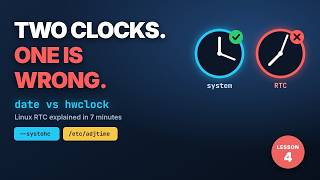
- Read and synchronise the hardware clock with date and hwclock
- Count text, list hardware and build, list and extract gzip and tar archives
The steps
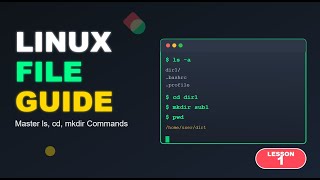 Step 1 · 7:16
Lesson 1: ls, cd and mkdir
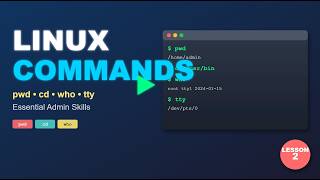 Step 2 · 8:34
Lesson 2: Essential Linux commands every admin needs
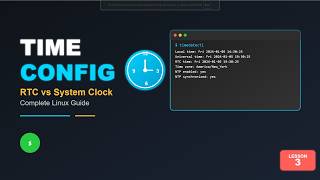 Step 3 · 7:30
Lesson 3: Linux time - RTC versus the system clock
 Step 5 · 10:07
Lesson 5: which, wc, lspci, gzip and tar
Courses for this path
The videos are short lessons from these courses. The courses add the demonstrations, labs and the rest of the topic.
Administration of Red Hat Enterprise Linux
See the course on UdemyAdministration of Red Hat Linux Practice Test 1: Essentials
See the course on UdemyWhat next
Move on to users, permissions and sudo, so that the commands you now know can be run safely with the right privileges.
Next path: Linux root and sudo security →
Free lab guides by email
Step-by-step guides to building your own Active Directory and Linux lab as they come out - the first, "Build your AD lab in an evening", is being written now and goes to subscribers first - plus new lessons and the month's coupons by email - about twice a month. No spam; unsubscribe with one click.